Every factual sentence traced to the worker's own words.
Support workers speak or type short notes during the shift. One tap writes the shift report, and every factual sentence has to cite something they actually recorded. Anything it cannot back becomes a question, not a sentence.
The demo runs a whole shift on made-up examples. Nothing to install.
Working with our first provider, a Brisbane NDIS service.
Run the demo yourself. A whole shift, made-up examples, nothing to install.
Last release 8 September 2026. Every one is dated.
See the changelogAudit ready usually means filed and tidy. This is about what happens inside the audit.
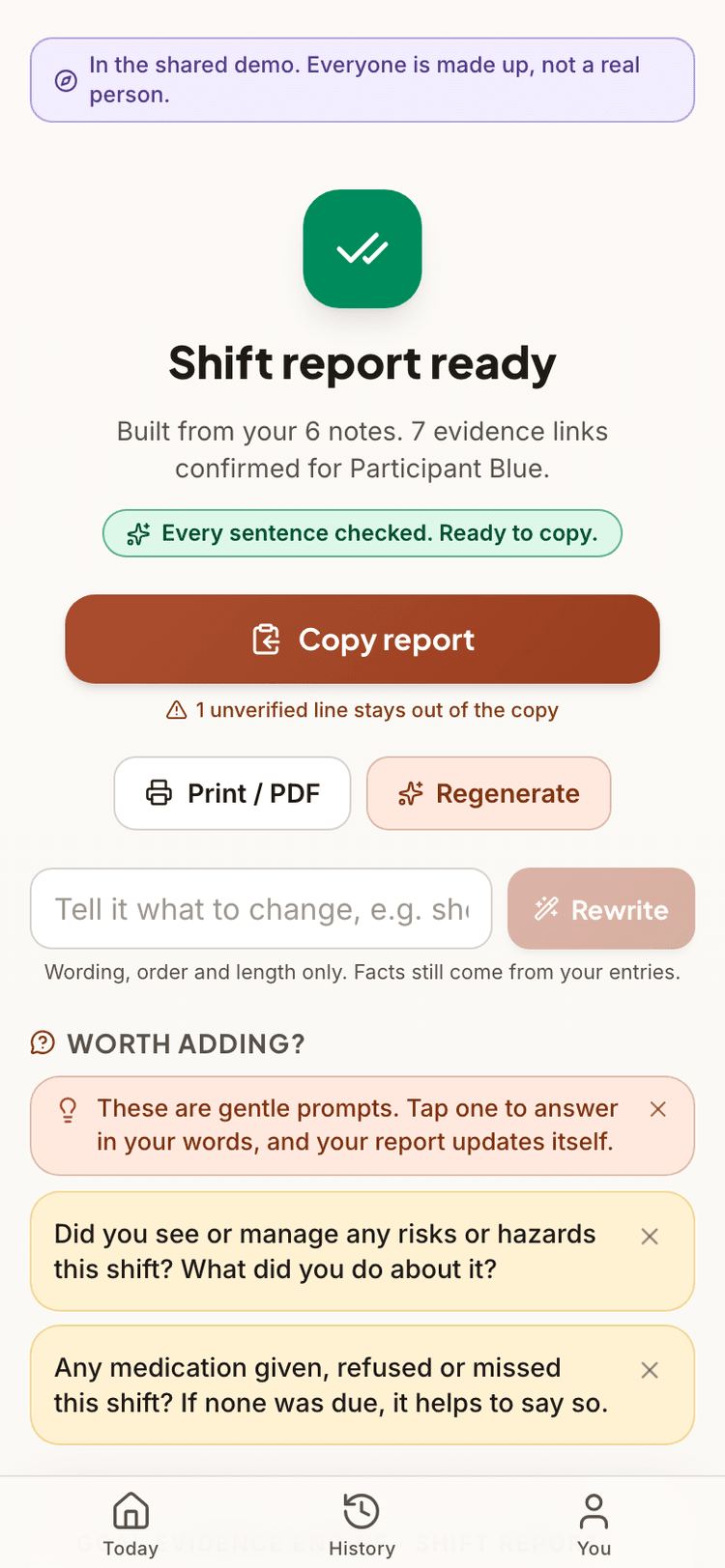
Every factual claim in a generated report must cite a fragment that really appears in the worker's entries, checked in code before the sentence can leave the app. A sentence that fails the check turns amber and stays out of the paste. Gaps get a question, never filler.
The check proves the words are really there. Whether they show real progress toward a goal stays a human call. That is what review is for.
Colour is provenance
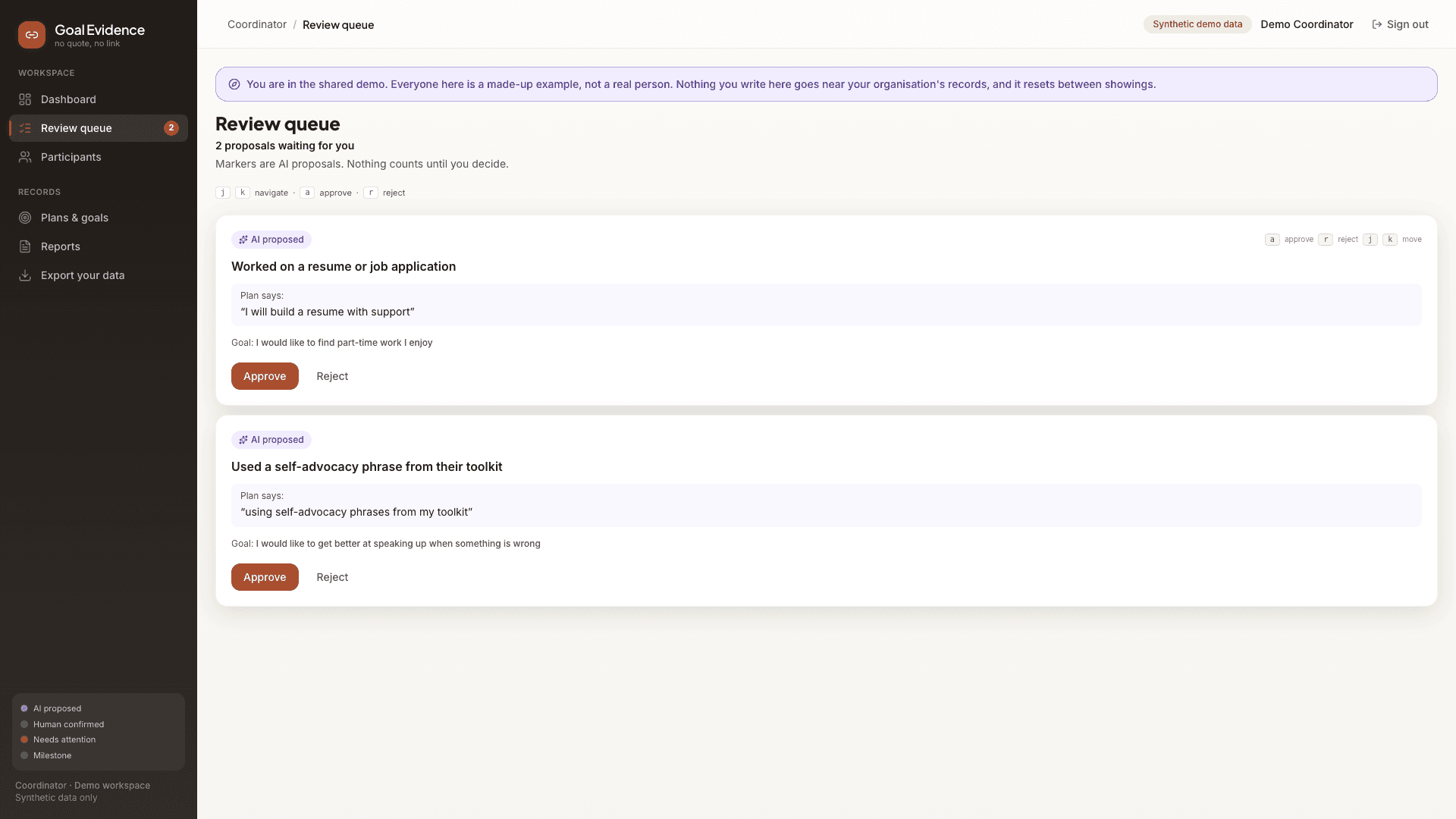
Proposed. Written by the app, waiting on a person.
Confirmed. A person read it and said yes.
Needs attention. What to look at first.
One colour rule, everywhere in the product. Nothing the app proposed is ever shown in the colour that means a person agreed.
How a shift becomes a report.
- 01
Capture as it happens
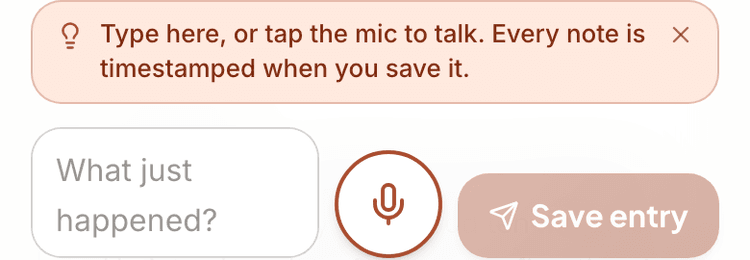
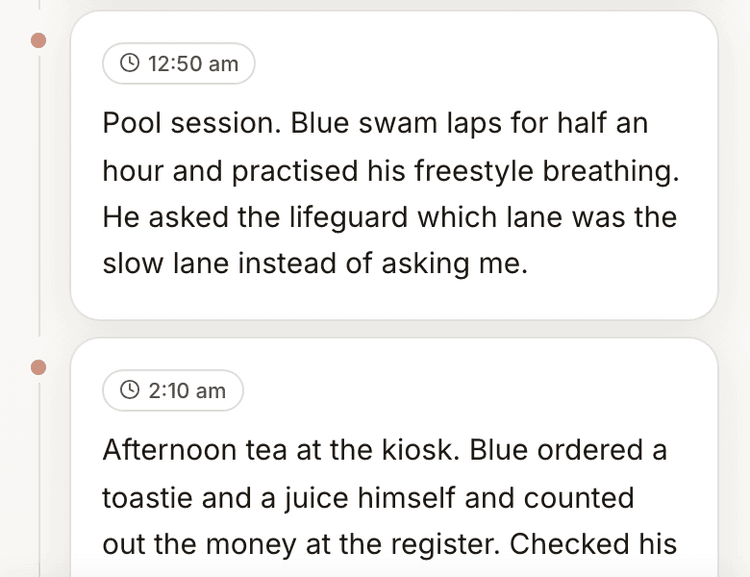
Speak or type short entries through the shift. Each one is stamped with the time and saved on the spot. No signal means entries wait on the phone and sync when it is back. No AI touches the capture screen.
 02
02One tap when the shift ends
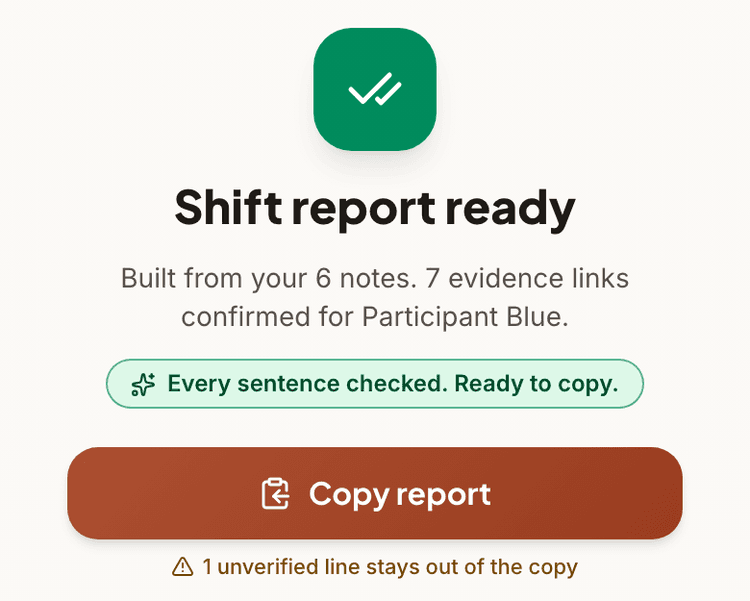
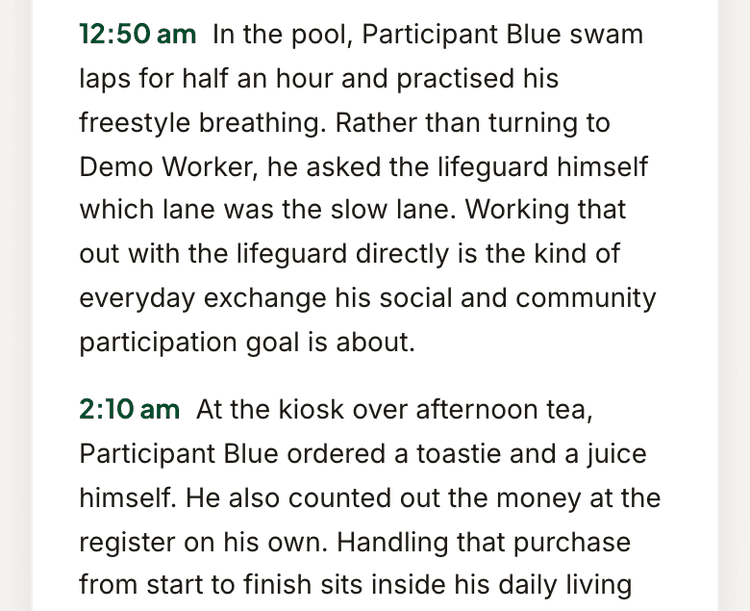
The report is written from arrival to handover, with times woven in. Every factual sentence must trace to recorded words. Anything it cannot back becomes a question for the worker.
- 03
Copy it into ShiftCare
One button puts the whole report on the clipboard as plain text, with the original entries underneath. Copying is never blocked. An open question just means a shorter, fully checked paste.
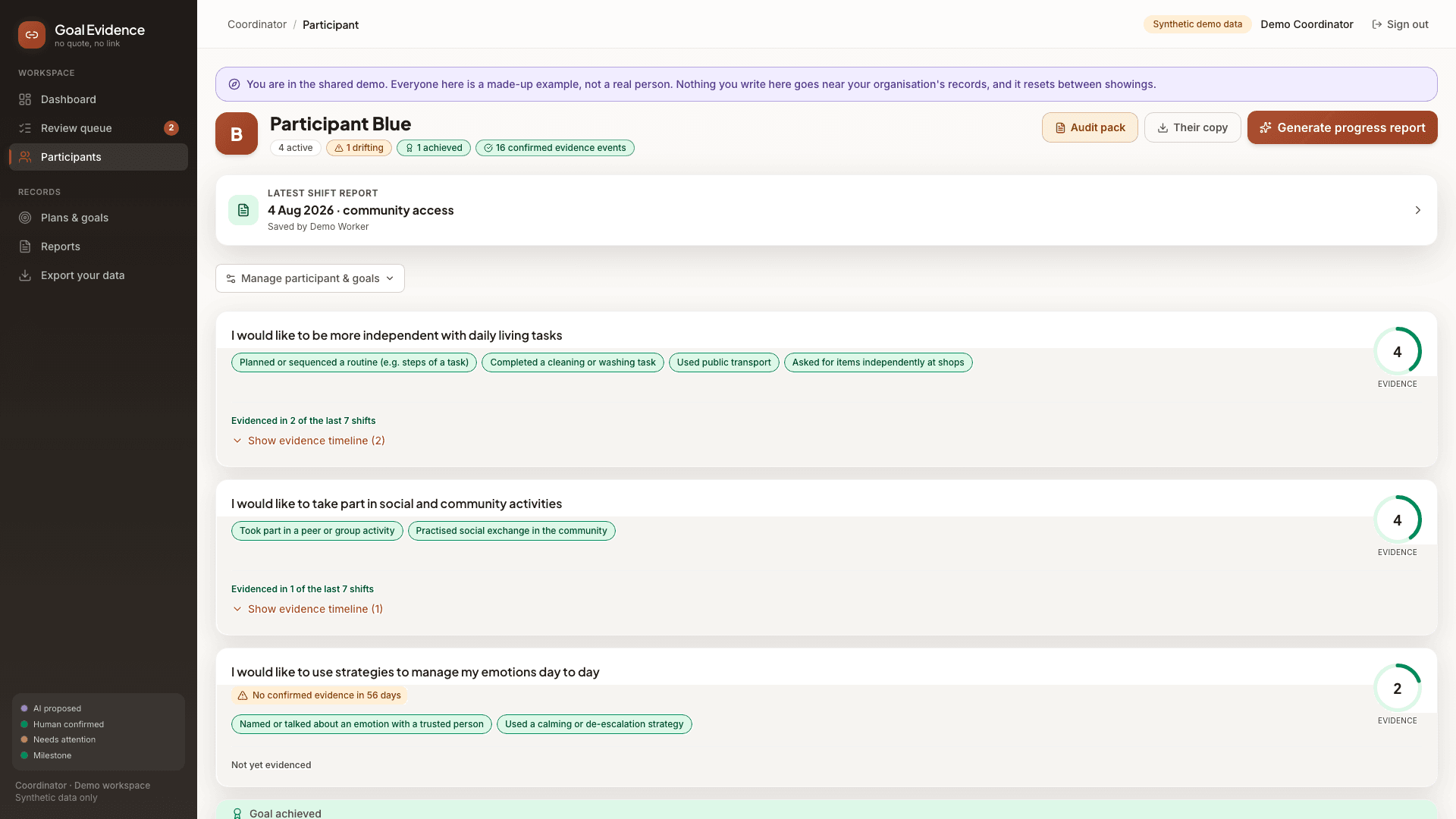
Before an audit, pick a participant and a date range.
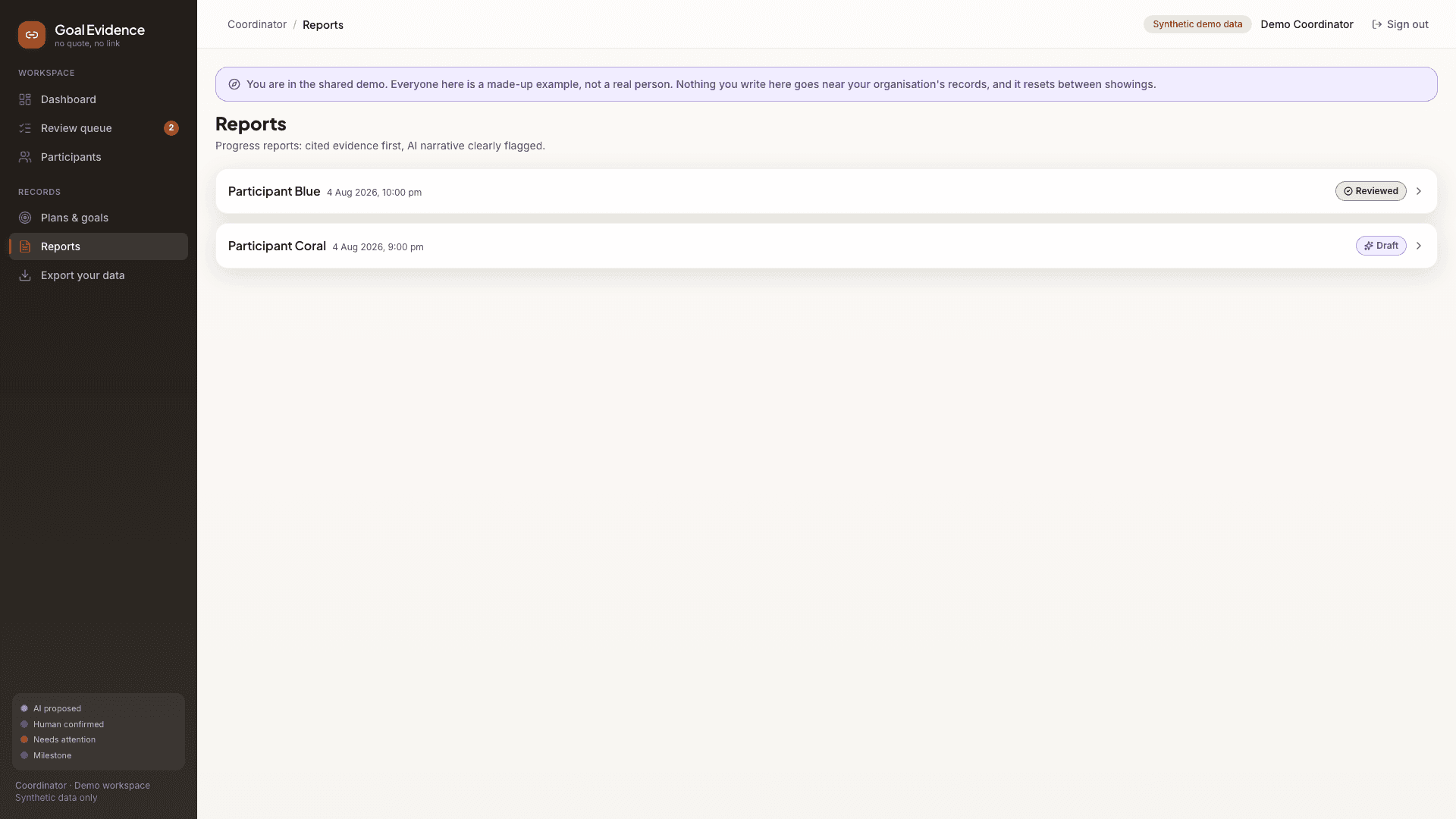
Each participant goal builds a timeline from confirmed reports only. The audit pack prints in one tap: every verified quote, dated and attributed to the worker who recorded it. Aliases only.
What it will not do.
It will not write medication, an incident or an injury that the entries do not mention. It asks instead. The answer lands as a new timestamped entry and the report is written again.
It will not tell you a goal is progressing. It shows you dated quotes and leaves the judgement where it belongs.
It will not say a report is compliant. Software cannot promise that. It makes the evidence behind a report traceable, line by line, which is the part a person can actually check.